01 / No AI in preparationDefine each part.
Define each part.
At your own pace.
Walk through purpose, support, guidance and review. Choose the resources and see what will happen at each step.
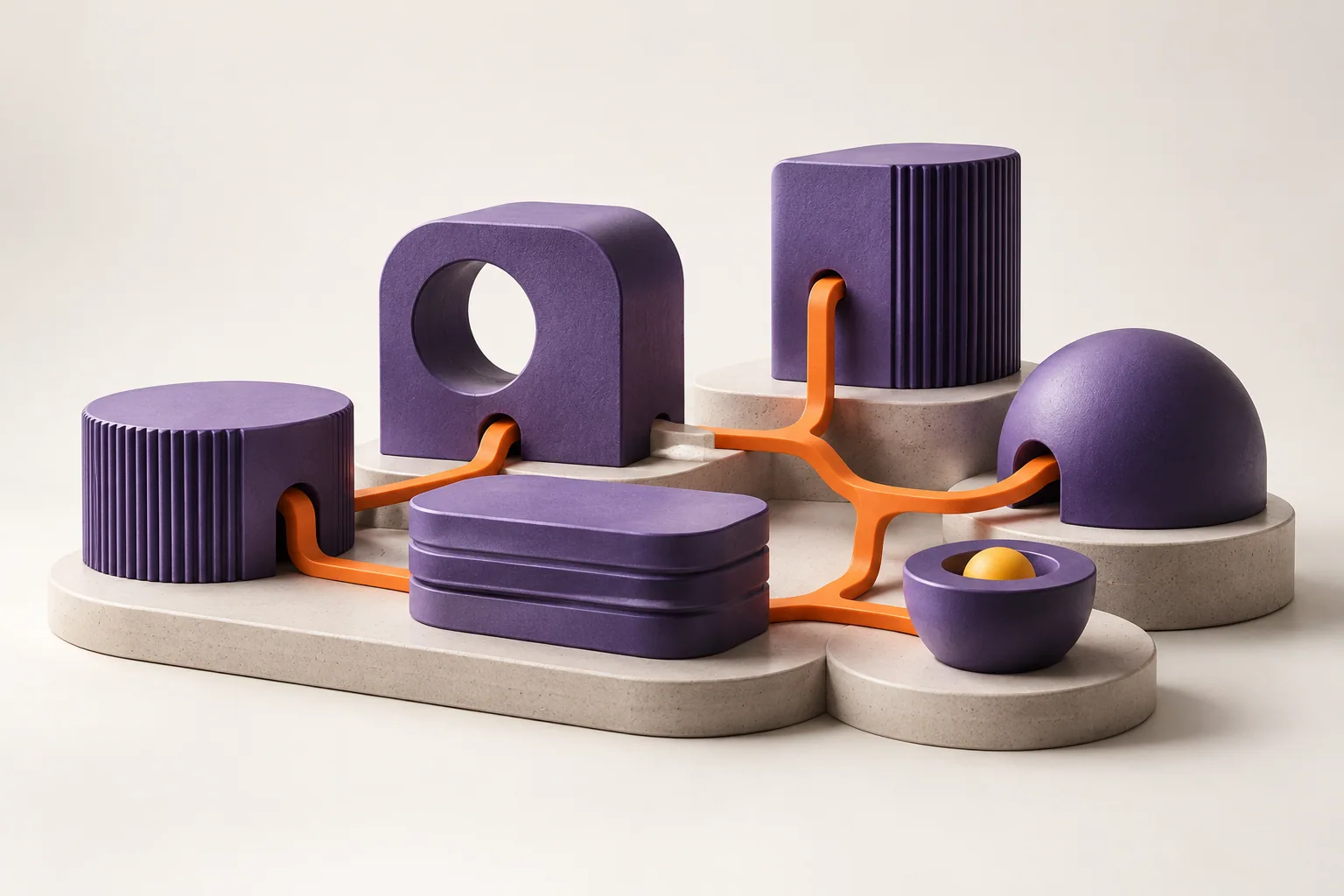
Describe the work, choose the tools and connect the steps. Set up agents and workflows to serve customers, organize tasks and integrate systems.
See how to create an automation ↓Studio is Catalisa's building space. You describe the need, it becomes a specification for review, and it connects to tools and visual flows.
The business team brings the context. Builders translate that context into a journey. The platform offers capabilities that can be combined instead of starting each part from scratch.
The value lies in making the work understandable before expanding automation.
Explore the journey.
Each step makes a decision clearer.
Start with the work that needs to happen: who's involved, what starts the journey and what next step you expect.
“When a new message comes in, understand the request, notify the team, and keep the service organized.”A need with context.
Describe, connect, and track.
Three views of the platform interface.
The screen brings together the description of the need and examples to start building.
Screenshot source ↗Screenshots published on the Catalisa website, accessed on Oct 22, 2026. The original date is not provided. The screens are interface references, not a live demo or customer metrics.
Studio referenceSwitch the context to explore
what the composition organizes.
A message is no longer just an isolated conversation; it becomes part of the work.
Studio helps structure the response and the actions that accompany the conversation. The team defines what can be answered, which information can be used and when support needs a person.
Illustrative example. Channel policies, authorizations and exception handling are part of the configuration.Set up the profile using the form or let AI help you prepare it. The purpose is still yours, and so is the review.
Walk through purpose, support, guidance and review. Choose the resources and see what will happen at each step.
Describe the work that needs to happen. The assistant helps plan resources and links for you to review before approving.
Assistance and suggestions follow the profile's purpose.
Summary and actions are chosen based on the service interaction.
Next steps follow the defined approvals.
Validation screenshots from 10/20/2026, preserved in the repository: form in a local preview and AI-assisted preparation in a local design candidate. They show the configuration and the assistant's entry screen; they do not prove an executed AI session or that these interfaces were published to production.
Defining what the journey is allowed to do is as important as connecting its actions.
Explore governanceWhat problem are we solving? What information can enter this conversation?
Which tools can the journey use? Who has permission to view or change them?
Which action requires approval? What happens when information is missing?
How does the team track the outcome, understand an exception, and pick the conversation back up?
Each space helps with one part of the path.
Give the idea an initial shape and talk about the product you want to build.
Explore a possibility ↗Structure the need, review the plan and compose the journey's capabilities.
You are hereUnderstand how events, conditions, and actions organize what happens next.
Understand the flows ↗Start with a well-defined journey and validate its behavior before expanding.
You can describe a need or start from the Builder examples, such as welcome, notification and relationship. The starting point should be adjusted to the context and rules of your operation.
Explain who's involved, what kicks off the work, what information is needed, and what a good outcome would look like. Also say when a person should review or take over the conversation.
Studio helps structure the build. Building Blocks provide the capabilities; workflows organize the actions; integrations connect the required systems. These are parts that work together.
The role of AI and the limits of the journey need to be defined. Business rules, permissions, important decisions and human review must be explicit. The composition needs to respect these responsibilities.
Availability depends on the capability, its stage, and the required credentials and contracts. Review the documentation and validate the complete flow before planning production use.
Choose a recurring problem that is easy to observe. Describe the current path, the participants and the expected outcome. Use the Lab to explore the idea or talk to Catalisa to evaluate the build.